

Generating an API Key
API keys are generated from the Integrations page in the console. Available on Pro and Agency.
Generating a key
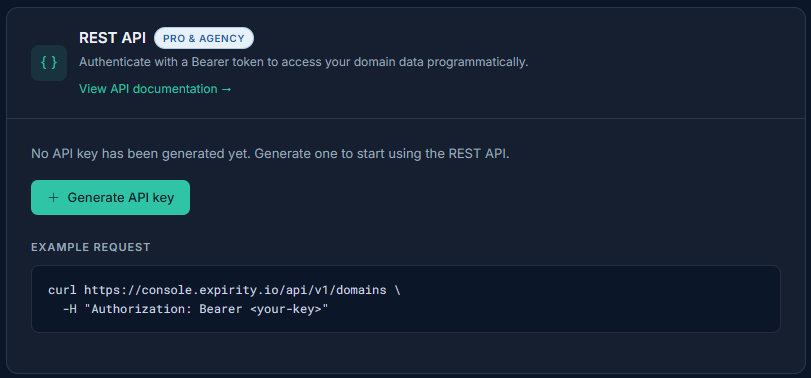
Section titled “Generating a key”Go to Integrations and click Generate API key. Your key is shown once, immediately after generation - copy it somewhere safe right away.
Expirity stores only a hashed version of your key, not the plaintext - if you lose it, there’s no way to retrieve it again. You’ll need to revoke the old key and generate a new one.
Using your key
Section titled “Using your key”Include it as a Bearer token on every request:
Authorization: Bearer <your-api-key>See REST API Overview for available endpoints.
Revoking a key
Section titled “Revoking a key”Click Revoke on the Integrations page to immediately invalidate your current key. Any requests using the old key will start failing right away - generate a new one if you still need API access.
If you downgrade plans
Section titled “If you downgrade plans”If your account moves to the Starter plan, your existing API key is preserved but requests will be rejected until you’re back on Pro or Agency - you won’t need to regenerate a key after upgrading again.