

Slack Integration
Send Expirity alerts straight into a Slack channel - useful for teams who live in Slack and don’t want domain alerts to depend on someone checking email. Available on Pro and Agency.
Setting up
Section titled “Setting up”- In Slack, create an incoming webhook for the channel you want alerts posted to (Slack: Apps → Incoming Webhooks → Add to Slack).
- Copy the webhook URL Slack generates.
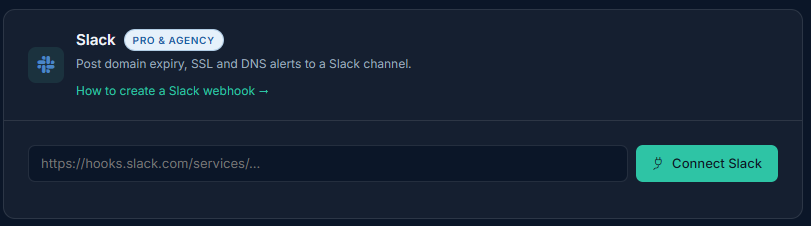
- In Expirity, go to Integrations and paste the URL into the Slack card.
- Click Connect - Expirity sends a test message to confirm the webhook works before saving it.
What gets sent
Section titled “What gets sent”Slack alerts mirror the same events as email - expiry, SSL, registrar, nameserver, and (if enabled) DNS-related changes - formatted as a rich Slack message rather than plain text, so the domain name, event type, and relevant detail are easy to scan in a busy channel.
Testing the connection
Section titled “Testing the connection”Use Send test alert at any time from the Integrations page to confirm the webhook is still working, without waiting for a real alert to fire.
Disconnecting
Section titled “Disconnecting”Click Disconnect on the Slack card to remove the webhook. This only stops Slack delivery - email alerts continue uninterrupted.